
Nothing to install
Sign in and the terminal opens in the browser tab you already have. No download, no updates to keep up with.
CFDs are leveraged, complex instruments. Losses can occur rapidly, and you may lose your invested capital.
Trading Platform
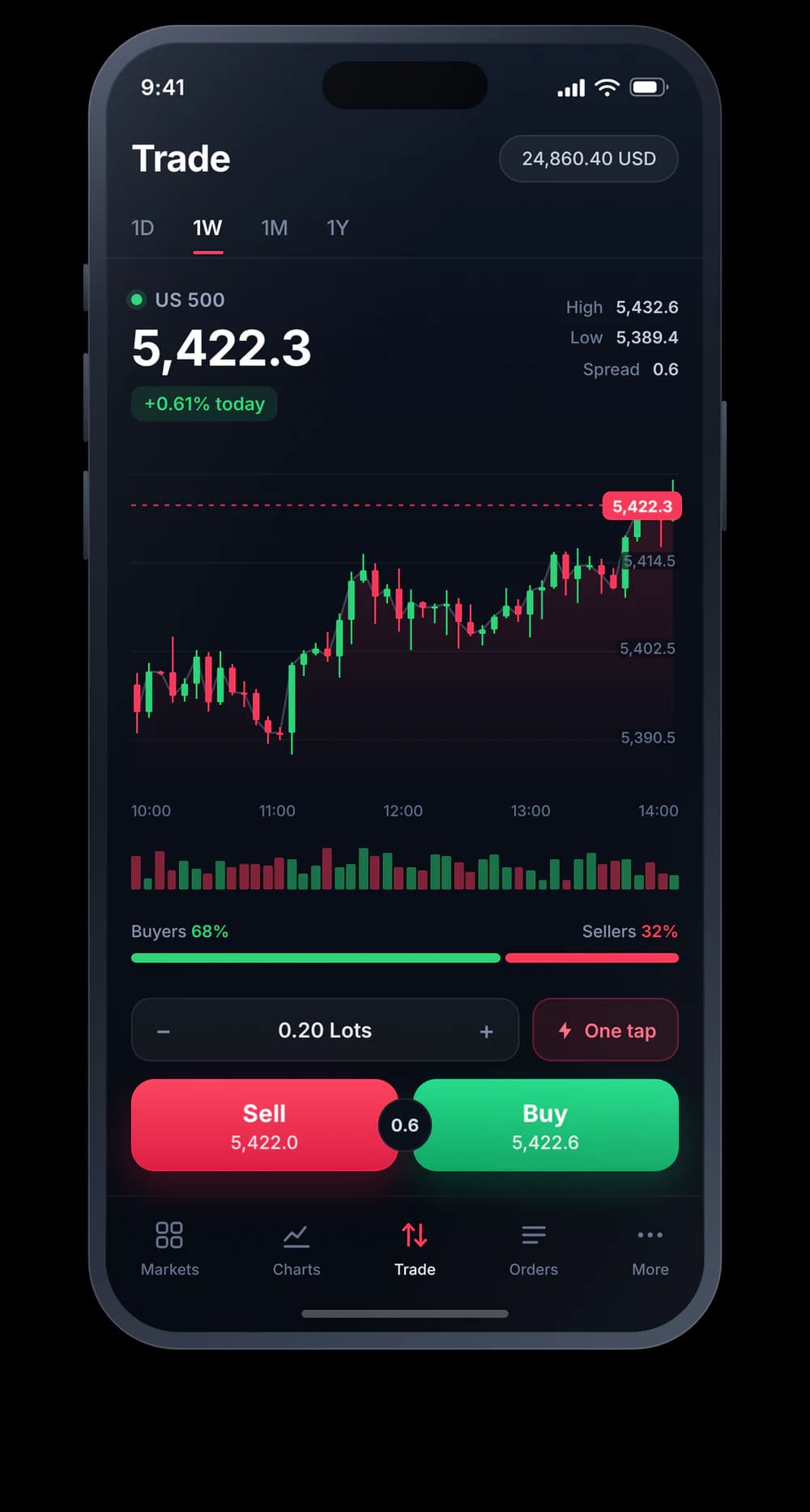
Charts, quotes, the order ticket, and your open positions on one page. Nothing to download, and the same workspace on every screen you sign in from.
400k+active traders
17k+global markets
24/7trader support
6global offices
Analyse, trade, and keep an eye on the account without installing software or switching between windows.
Sign in and the terminal opens in the browser tab you already have. No download, no updates to keep up with.
Indicators, drawing tools, timeframes, and chart types come with the workspace instead of a separate application.
Quotes, the chart, the order ticket, and your open positions stay together rather than scattering across windows.
Access everything you need to analyse markets and manage your trades from one streamlined workspace.
Market watch
Positions and orders
Order ticket
Account
From a new account to a live workspace without a single installer.
Work through the Xquotes sign-up preview and pick the account type that matches how you plan to trade.
Open the terminal from your account in whichever browser you happen to be in. There is nothing to download first.
Choose a market, size the order, set your stop and target, then manage the trade from the same screen.
It is the Xquotes trading workspace running in your browser. Market watch, charting, order entry, and account monitoring sit on one page, with no software to install.
No. You sign in to your Xquotes account and the terminal opens in the browser tab you are already in.
The web terminal is built for instant access from any machine. MT5 is a downloadable platform that adds automated trading through Expert Advisors and custom indicators. Both connect to the same Xquotes account.
The layout keeps the market list, the chart, and the order ticket in view at the same time, so there is less to learn before your first trade. The same charting and order tools are there when you want more depth.
Create your Xquotes account preview and keep the browser workspace close when production links are supplied.